Design and Files
Design from Canvy for T-shirt: file export step by step
You design a shirt in Canvas? Check project size, background, export quality and file transfer to avoid accidental white frame.
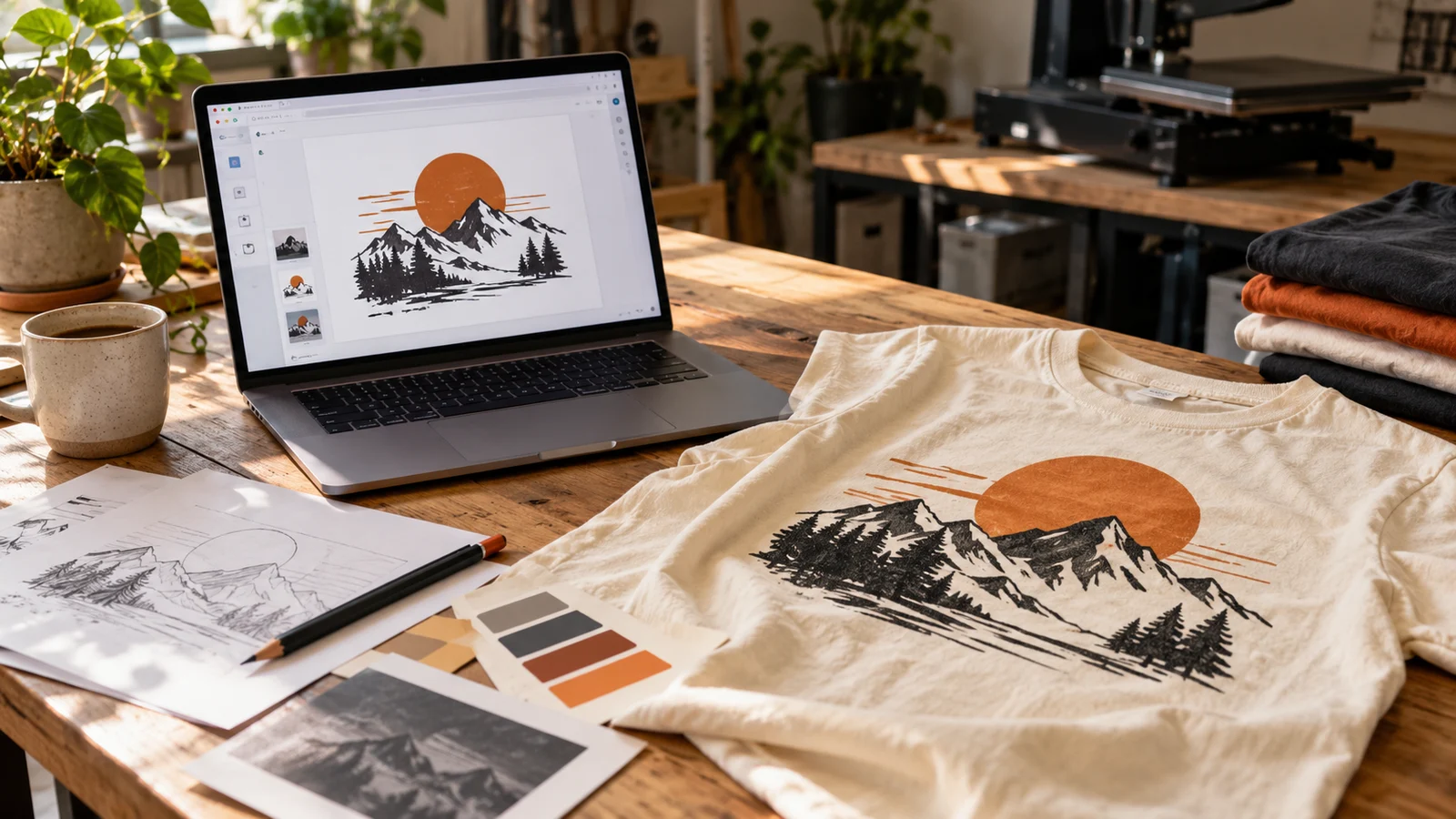
Ready design in Canva may look good on the screen, and still require adjustments before printing. The most common problem is not the program itself, but too small export, random background or file containing a picture of the shirt instead of graphics itself.
Start with print surface
Separate graphic design from product visualization. The website for export should bear the same motive: illustration, inscription or composition. The picture of the model in the T-shirt is used to show the idea, but it is not a print file.
Figure out the indicative dimensions before you work out the details. The inscription on the left breast needs a different composition than a large poster on the back. If you are designing variants, create separate pages and name them so as not to confuse the front with the back. The site size should not be an accidental post format for social media.
Transparent background: two different actions
Remove background from photo and save the whole project without background are separate stages. The portrait may already have its surroundings cut out, but it still lies on a white rectangle added to the composition. This rectangle will remain part of the graphics even after selecting exports with transparency.
Check out the design on the temporary background in the color of clothing. This way you will notice the white ring around the hair, undisturbed corners and bright pixels. Before export remove the auxiliary background. If white is to be printed, leave it as a conscious element of the project.
Canva provides transparent background when downloading PNG in selected plans. Current conditions describe Canvy transparency aid. Do not replace this option with a screenshot.
PNG or PDF?
- PNG suitable for raster graphics with transparency, e.g. cut portraits or illustrations. Check the actual number of pixels after downloading.
- PDF for printing it is worth to pass on compositions with subtitles and vector elements. However, this does not mean that each embedded photo will automatically gain good quality.
- JPG does not retain transparency. It makes sense with the intended rectangular picture, but usually not with the logo itself without the background.
Description of available formats can be found in Canvy export documentation. Do not add cutting markers or falls for paper unless asked by a labeling contractor. Also do not reflect the mirror design without agreement.
After downloading the file
Open downloaded file outside the editor. Take a look at the fine inscriptions, edges and Polish characters. The expansion of exports will not fix a photograph that was already small at the entrance. Compare the content with the accepted Canvas view: are there all the elements and the correct text version?
For a project containing other people's photos, fonts or library elements, check the rules for their use in the planned product. The fact that the item is available in the editor does not explain all the conditions of use yet.
What to send to the valuation
Include production file, preview of clothing and information about print width, product color and number of pieces. You can also send a link to the project as a supporting material, but the export file allows you to unambiguously determine the version. Example of description: "Black shirt, graphic without rectangular background, width 24 cm, 8 pieces". Dimensions are an example here, not a recommendation for every sweatshirt.
If you are not sure about the quality, send the project before buying clothing. See also the guide on backgroundless printing and preparation of files for marking.
THE MOST COMMON QUESTIONS
FAQ
Is it enough to send a link to Canva?
Link helps with the consultation, but it is worth to attach the export and indicate the final version. Access to the project may depend on the sharing settings.
Do we have to buy Canva's plan?
Not always. This depends on the elements used and the necessary exports. If you can't get a clear file, send the available evaluation material instead of taking a screenshot.
Will PDF always be better than PNG?
No. The choice depends on the content. PDF can retain vector elements, but does not fix low-quality photos; good PNG can be suitable for full-color illustrations.
YOUR PROJECT
Send a project from Canvy to check.
CZYTAJ DALEJ