Design and Files
Backgroundless printing on T-shirt: how to prepare graphics
A white frame, a chessboard or a ring around a logo? We explain how to prepare graphics without background and check edges before printing on clothing.
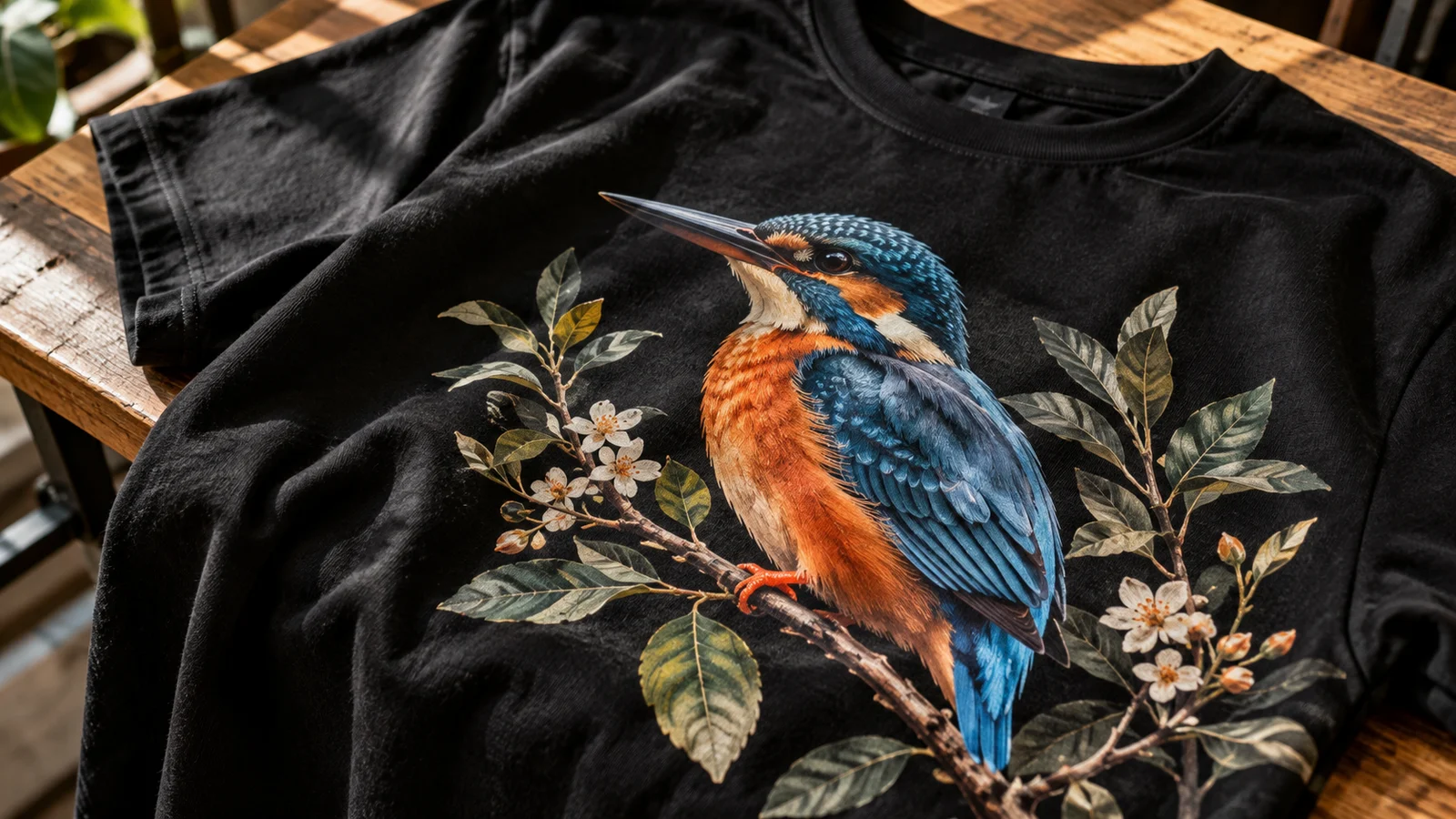
Backgroundless printing allows you to use the color of the shirt as part of the composition. It's a good choice for subtitles, cut-out characters and illustrations that don't look like a rectangular sticker. The condition is the actual transparency of the file, not just the white or black background visible on the screen.
White and transparency are not the same
The white area in the graphics can mean two things: a piece of the drawing you want to print, or an unnecessary surface around it. The program doesn't know that intention. It is necessary to indicate which elements are to remain, especially when white are also eyes, letters or parts of clothing in the illustration.
The chessboard usually means transparency in the editor, but it can also be written as regular pixels in the downloaded image. The simplest test is to place the file on several different background colors. If the grate or rectangle stays, the file is not prepared as you expect.
Check the edges on the bright and dark background
Cutting the background with an automatic tool is often just the beginning. With hair, fur and small twigs, there may remain bright edges or broken pixels. On the white screen they are almost invisible, and on the black sweatshirt they create an unwanted glow.
Rate the outline in magnification, then return to the actual print size. Too aggressive cleaning can remove important details. With the dog's portrait, it is better to consciously simplify a few single hairs than leave a wide background belt around the whole figure.
Soft shadow requires a separate decision
The transparency on the monitor allows the shadow to disappear smoothly to zero. The way in which printing and foundation are built must be taken into account on clothing. The effect that looks good in the file can not always be moved without changes, especially on dark material.
Depending on the project, you can remove the shadow, convert it into a conscious shape or develop a raster. It's an aesthetic and production decision, not just a selection of the recording format. Raster and friction we are discussing separately because they require checking small points and breaks.
Select file to graphic type
- Cut out picture or painting illustration: raster file with retained transparency and corresponding number of pixels, often PNG.
- Simple logo or inscription: vector file if there is an original version. Changing the JPG extension to SVG does not create vectors.
- Targeted background poster: keep the rectangle if it is part of the concept. The lack of background is not the responsibility of every project.
Do not remove all black elements just because your shirt will be black. Such a change can destroy contours or close the composition in another way. First prepare a preview and check which fragments can replace the material.
What to agree before production
Send the original and cleaned version if you have both. Write straight: "I want the character itself, without a white rectangle; the white elements of the characters are to remain." Add color of clothing and planned width. This makes it easier to distinguish between a deliberate fragment of the illustration and the remnants of the cutting.
At DTF printing preparation of transparency is part of the evaluation of the file. If the graphics were created in the online editor, check also Canvy project export. Just sending a black shirt preview does not replace a file containing the correct theme.
THE MOST COMMON QUESTIONS
FAQ
Does each PNG file have a clear background?
No. PNG supports transparency, but may contain a normal white background or even a saved chessboard. You have to check the contents of the file itself.
Can you remove the background from the photo?
Often, yes, but quality depends on contrast, focus and detail on edges. Hair, fur and translucent objects need to be further developed.
Does the lack of background mean that there is no white DTF primer?
No. The visible background of the composition and the technological foundation for printing are different elements. The preparation of the primer is selected by the contractor for graphics and material.
YOUR PROJECT
Send graphics - we'll check background and edges.
CZYTAJ DALEJ